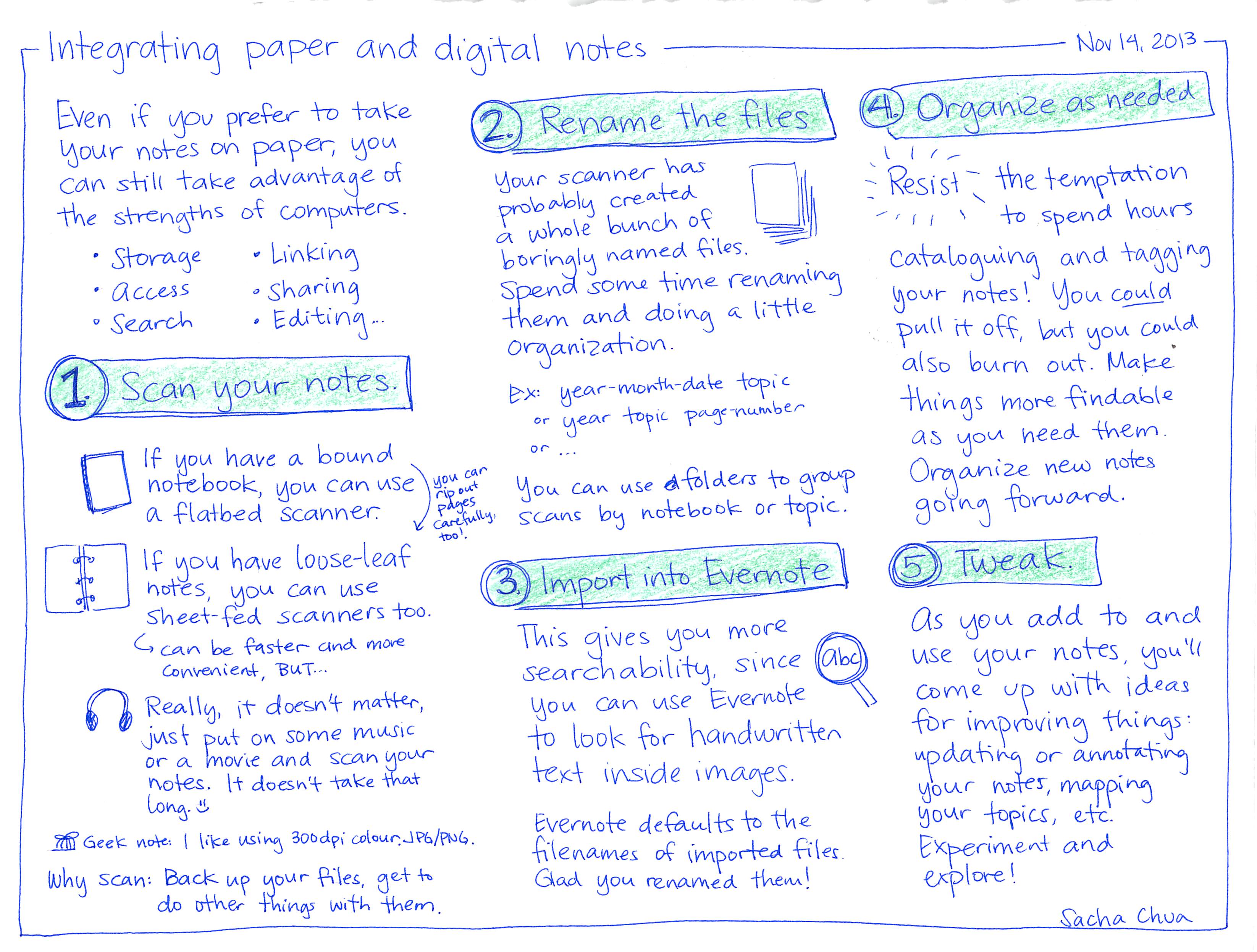
Integrating paper and digital notes
Even if you prefer to take
your notes on paper, you
can still take advantage of
the strengths of computers.
°
• Storage
Access
Search
0
•Linking
Sharing
•Editing...
(1) Scan your notes.
☐
If
you
have a bound
notebook, you can use you can
a flatbed scanner.
If you have loose-leaf
✓
rip out
pages
Carefully,
too!
notes, you can use
Sheet-fed scanners too.
G can be faster and more
Convenient, BuT...
Really, it doesn't matter,
just put on some music
or a movie and scan your
notes. It doesn't take that
long. ☺
Geek note: I like using 300dpi http://colour.JPG/PNG.
Why scan: Back
up your files, get to
do other things with them.
Nov 14, 2013
- Rename the files④Organize as needed.
Your scanner hasprobably createda whole bunch ofboringly named files.い--Resist the temptation☐ 1to spend hoursSpend some time renaming cataloguing and taggingthem and doing a littleorganization.Ex: year-month-date topicorобyear topic page-numberYou can use & folders to grouptopic.Scans by notebook or
- Import into Evernote
This gives you moresearchability, since (abc)you can use Evernoteto look for handwrittentext inside images.Evernote defaults to thefilenames of imported files.Glad you renamed them!your notes! You couldpull it off, butyoualso burn out. MakeCouldthings more findableas you need them.Organize new notesgoing forward.5 Tweak.Asadd to andwith ideasyouuse your notes, you'llcome upfor improving things:updating or annotatingyour notes, mappingyour topics, etc.Experiment andexplore!Sacha chưa